PHIGHTING Join a Lobby With a 4-Digit PIN
Talk to Zuka, pick Servers then Code, and type four digits. Invalid PINs do not teleport.
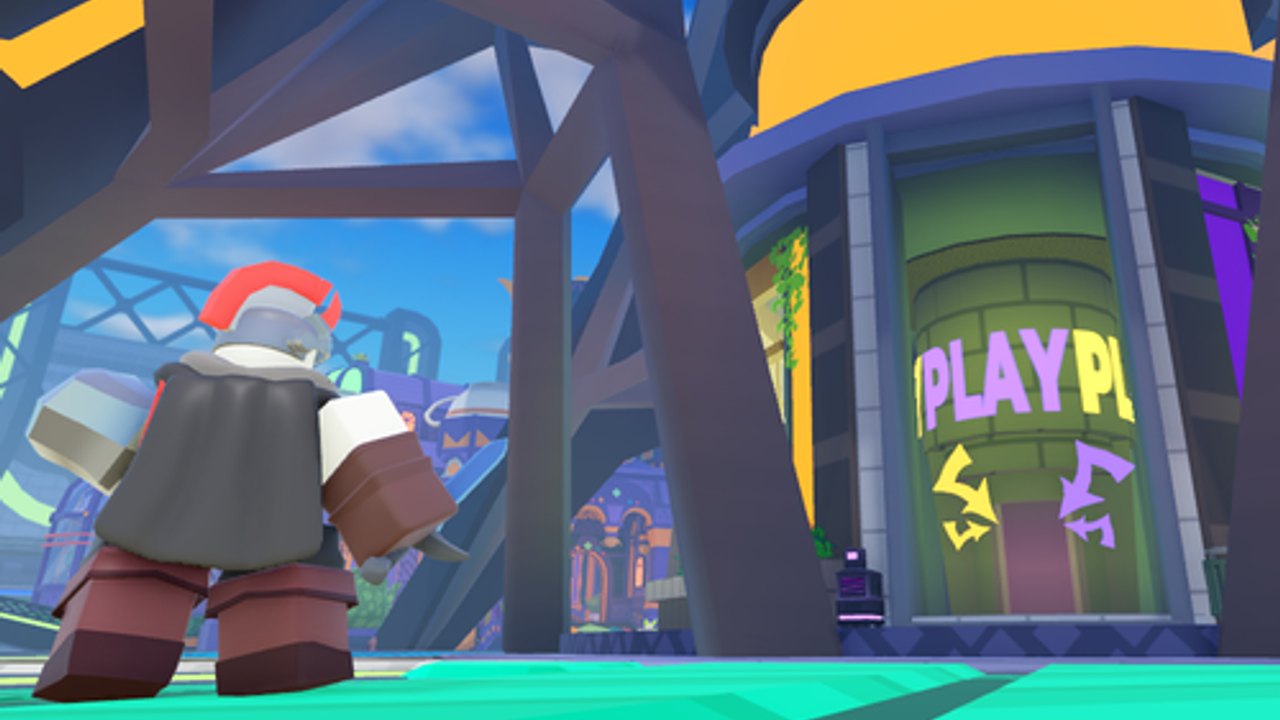
The only “code” in PHIGHTING is a four-digit server join PIN. It is not a gift code, a Bux coupon, or a skin drop. Beginners, Opens, and Pros each get a PIN so a group can queue the same lobby on purpose. Private servers skip that system entirely. If you came here from a promo-code list, go back to the Codes Hub — there is still no redeem box in the beta.
How to join with a PIN
- Load into Crossroads. You spawn in the Inner Ring near Flipside Tower.
- Find Zuka at the gray truck in the Inner Ring (the same NPC who runs ZUKA’S STOP N’ SHOP).
- Talk to him and answer Yes when he asks if you want to head out to battle.
- When he offers Random or Servers, pick Servers — Random will dump you into any matching lobby and ignore your friend’s PIN.
- When he offers Code or List, pick Code. List is a browser of public lobbies, not a PIN field.
- Type the four digits and confirm. A valid PIN teleports you into that lobby. Leave the field empty and press enter to cancel.
If the digits do not match a live server, Zuka answers Couldn’t find that one, whoops! Double-check the PIN, confirm your friend is still in that lobby, and confirm you are eligible for that server type (Beginners lock you out at level 76; Pros require level 125).
You can also open the Phight menu from the Flipside Tower elevator or the title-screen quick play button, then follow the same Servers → Code path. The truck conversation is the route most groups use after hanging out in Crossroads.
Server types that use a PIN
Beginners
Beginner servers exist for players below level 76. At 76 you are locked out and cannot join even with a PIN. They cap at 10 players, pay +25% Bux over Opens, and do not contribute to Phestival results. Sword events and bonus rounds still roll here the same way they do in Opens. Share a Beginner PIN only with accounts that are still under the level cap or the join will fail.
Opens
Opens are the default public queue. Everyone can join, all official maps and gamemodes rotate, and the cap is 10 players. There is no extra Bux or XP. Skill range is wide: a level 10 Sword can sit next to a level 200 Hyperlaser. Opens still get a 4-digit PIN, so a mixed-level friend group usually lives here once someone hits 76.
Pros
Pros unlock at level 125. They also cap at 10 players and carry a 4-digit PIN. The payoff is +25% XP. Pro servers feed their own points into Phestival rankings. Sword events and bonus rounds are disabled (a past Comedy vs. Tragedy Phestival was a documented exception). If your stack is 125+ and you want cleaner matches plus faster levels, share a Pro PIN instead of an Open one.
Private servers have no PIN
Private servers use Roblox’s built-in private-server tool, not Zuka’s four digits. They are invite only. The code slot always reads OPEN 0. Capacity is 12 players instead of 10, and you can push team sizes past the usual five for custom scrims. Phights in a private server pay no Bux and no XP. Titles and match badges also do not progress there (Crossroads private instances can still grant some hub badges). If the goal is cosmetics or levels, stay on a public PIN. If the goal is a custom map, /force, or a 6v6, use a private invite instead.
Practical grouping tips
- Agree on server type first, then share the PIN. A Beginner PIN is useless to a level 80, and a Pro PIN is useless to a level 40.
- Re-read the PIN after a match. Lobbies can empty and the digits rotate when the instance dies.
- If two people type the same PIN and one gets the whoops line, one of you is on the wrong type (Open vs Pro) or the lobby filled to 10.
- New accounts should stay in Beginners for the 1.25× Bux while learning roles. Pair that with Getting Started and spend the extra currency as described on How to Earn Bux.
- Do not paste a PIN into a random Discord and expect it to stay valid. Treat it like a short-lived lobby ID, not a season-long clan code.
The PIN system is how PHIGHTING handles parties in beta. It is also the entire reason search results for “PHIGHTING codes” exist. Use it to group up; do not expect it to print skins.
Frequently Asked Questions
Quick answers for PHIGHTING players on Roblox.
How do I enter a PHIGHTING server code?
In Crossroads, talk to Zuka at the gray truck, say Yes to battle, pick Servers (not Random), then Code (not List), and type the four digits.
What does Couldn't find that one, whoops! mean?
The PIN does not match a live Beginners, Opens, or Pros lobby, the instance filled or closed, or you are the wrong level for that server type.
Do Beginner servers have a join code?
Yes. Beginners, Opens, and Pros all use a 4-digit PIN. Beginners are limited to players below level 76, pay +25% Bux, skip Phestival, and cap at 10 players.
Why does a private server show OPEN 0?
Private servers are invite only and have no 4-digit code. They hold 12 players and pay no Bux or XP in Phights. Join through the owner's Roblox invite.
When do Pro servers unlock?
Level 125. Pros cap at 10 players, grant +25% XP, feed Phestival rankings, and disable sword events and bonus rounds. They still use a 4-digit PIN.
Is a server PIN the same as a promo code?
No. A PIN only teleports you into a lobby. PHIGHTING has no promo-code box; see the Codes Hub if you were looking for free Bux strings.